For agents, dealers and sales managers
Everything a sales team needs, on the phone in their pocket
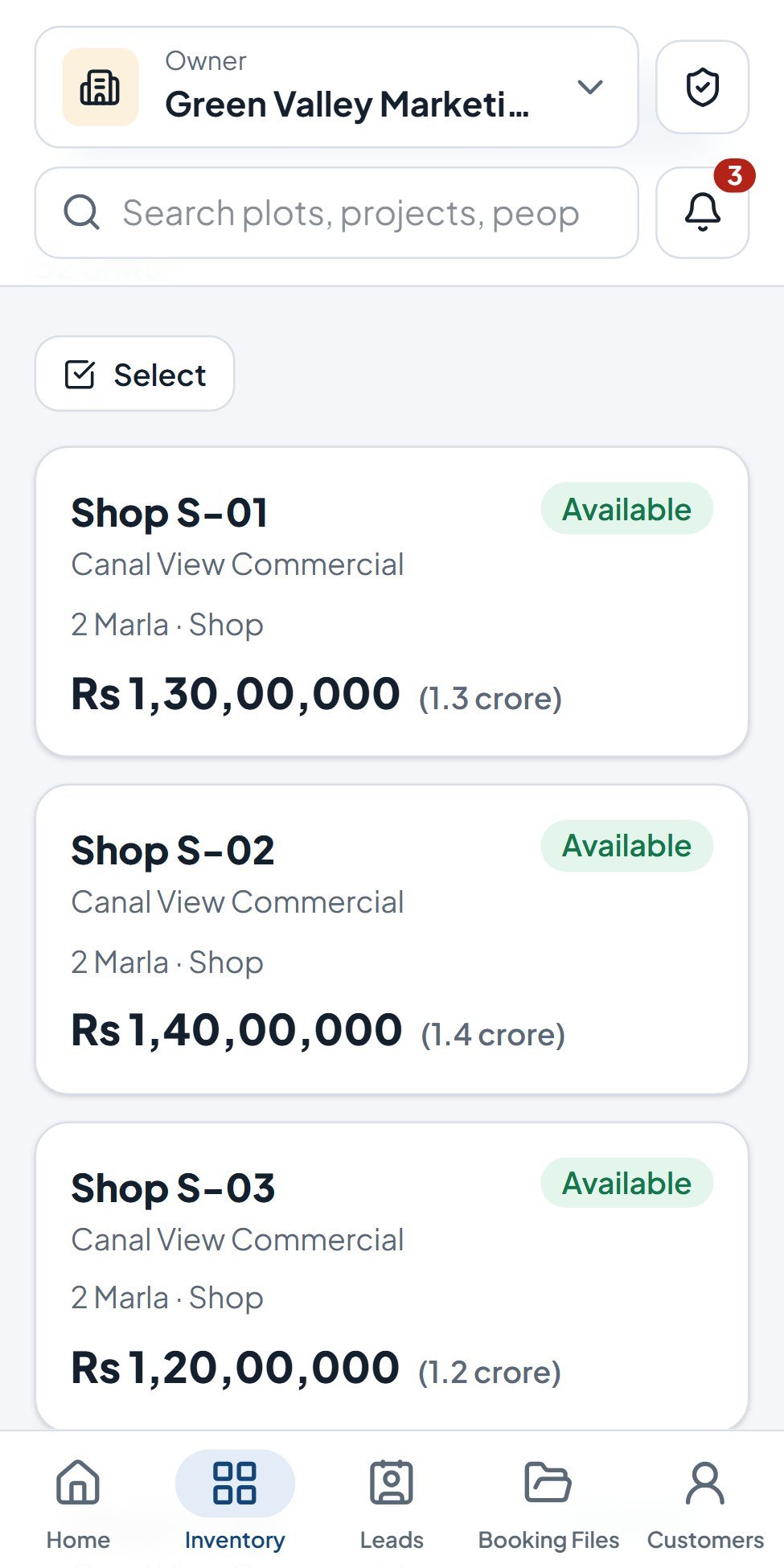
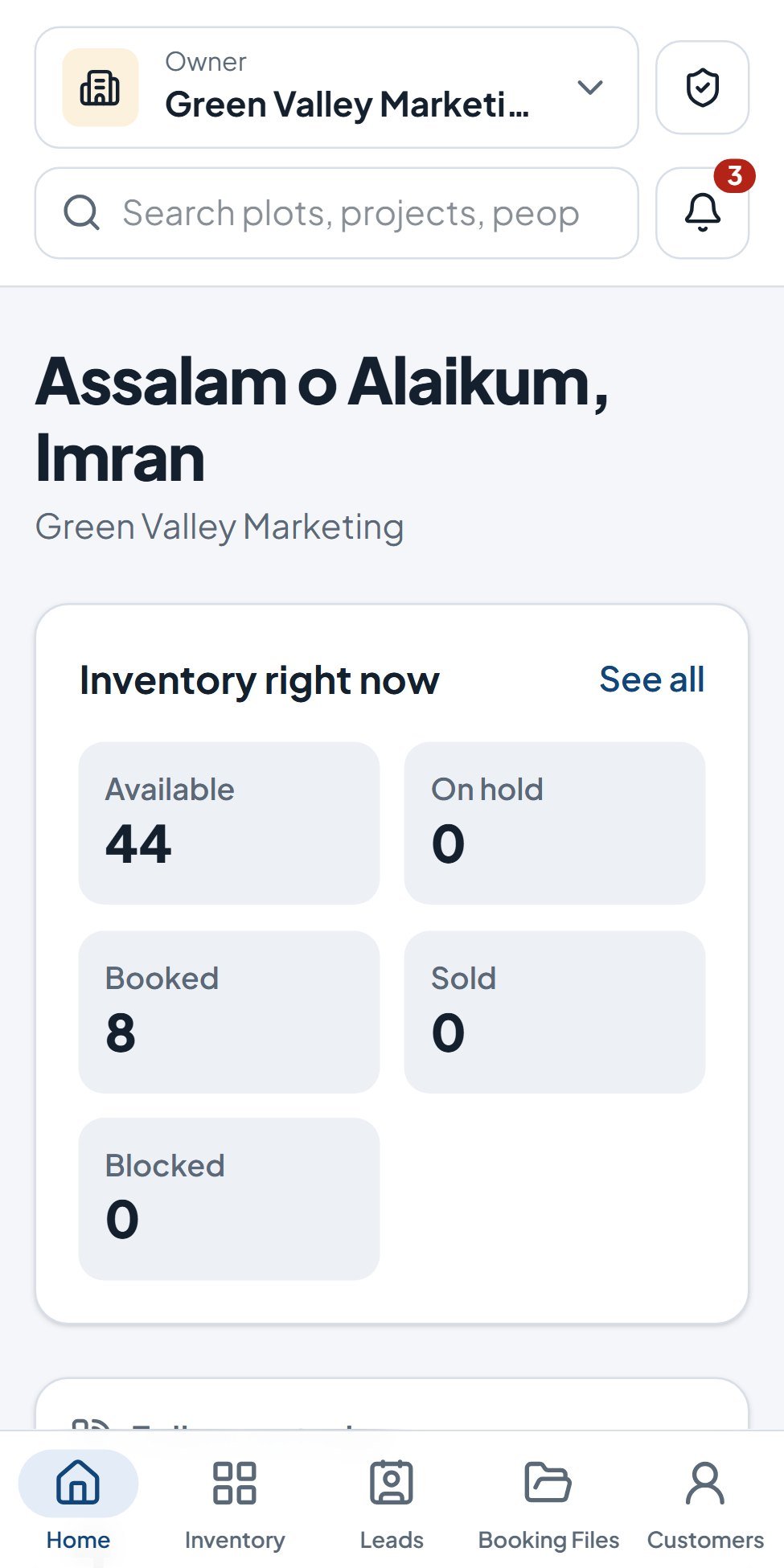
Check what is available, hold a unit for a buyer, follow up every lead and see your own commission, from the office or the site.
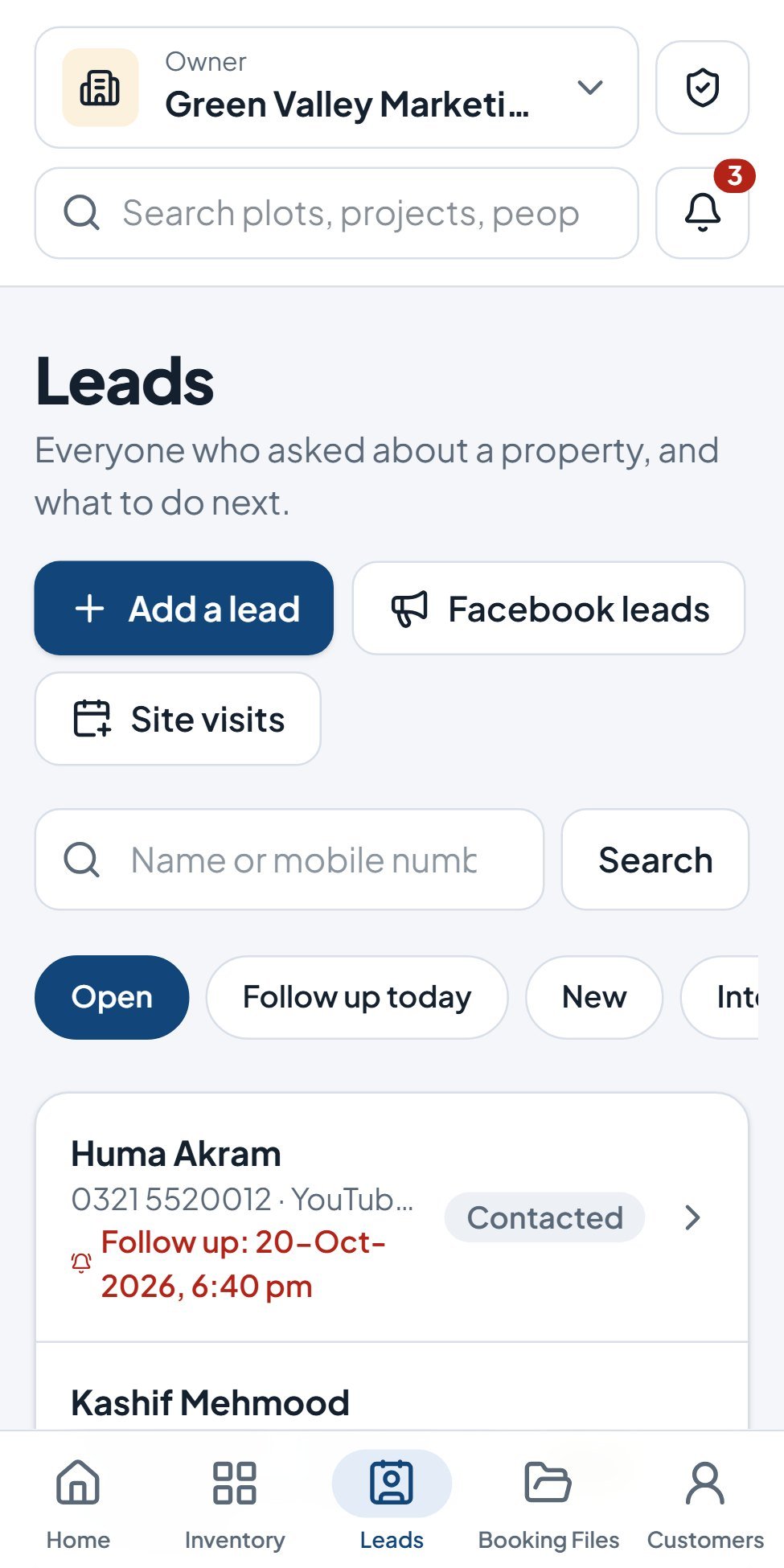
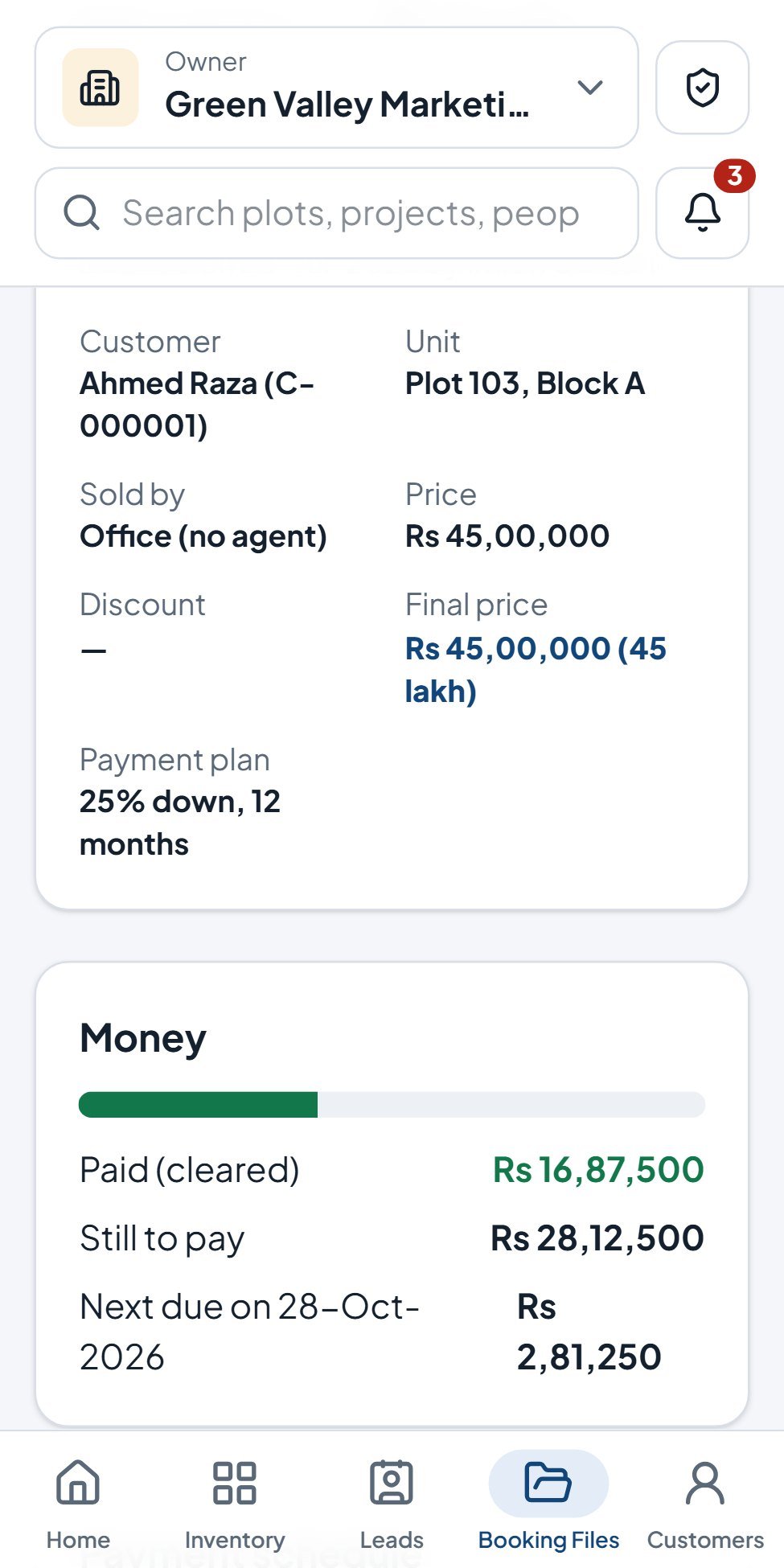
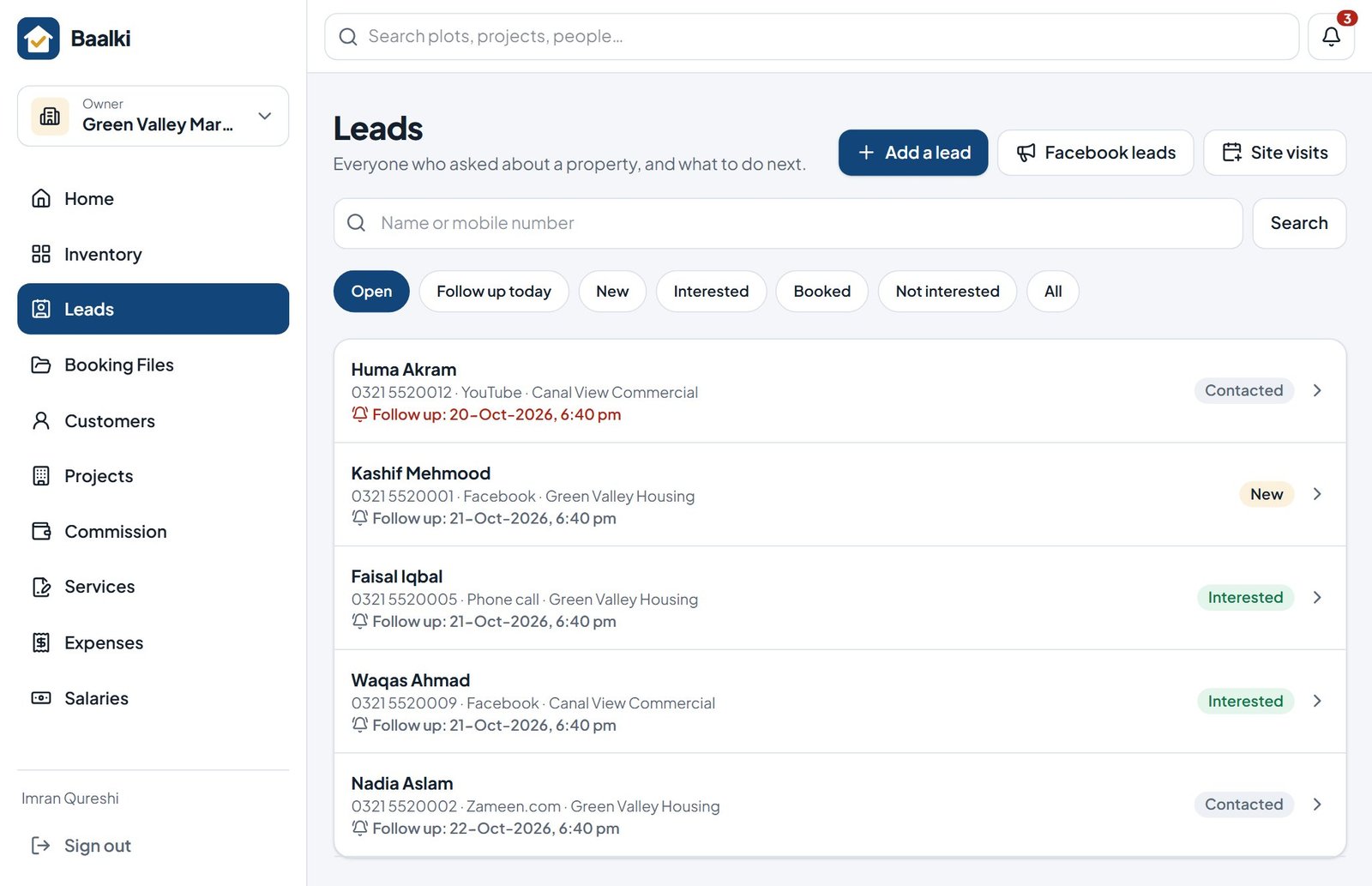
Real screens from the app
Fast enough for a site visit
Baalki runs in any phone browser and can be added to the home screen like an app.
For agents and dealers
Sell with confidence, get paid without arguments
Hold a unit on the spot
Place a time-limited hold for your buyer from your phone, so nobody else can book it while they decide.
Quotations in seconds
Price, down payment and installments worked out exactly, ready to share on WhatsApp.
Your own commission
See what you have earned and what has been paid, released as your customers’ payments clear.
Works without signal
Inventory, the society map and quotations stay on the phone for sites with poor coverage.
Never miss a follow-up
Every lead carries its next follow-up date, so the right call happens at the right time.
Proof of the site visit
Optional GPS check-in records that the visit really happened at the site.
For sales managers
Keep the whole pipeline moving
See every enquiry, who owns it and what happens next. Targets and a leaderboard keep the team focused, and marketing performance shows which sources bring real bookings.
- Lead pipeline with statuses, sources and follow-up dates
- Site visits planned and recorded against each lead
- Monthly targets per agent and a team leaderboard
- Each agent sees only their own customers and earnings
Questions from sales teams
Before your team switches
Will it slow agents down on their phones?
No. The screens are built for phones first: checking a unit, placing a hold or adding a lead takes a few taps, and inventory stays available without signal.
Can agents see other agents’ customers or commission?
No. Each agent sees their own customers and earnings. Managers see their team; the company’s commission stays with management.
Do agents need to install anything?
No. Baalki opens in any phone browser. Agents can add it to the home screen so it opens like an app.
How do agents join?
The owner or manager invites each person with a link sent on WhatsApp. They choose their own password and get the role the owner sets.
Next step
Show your sales team how it works
Book a live demo of the agent workflow: inventory, holds, leads, quotations and commission on a phone.
15-day trial with every feature · No card required